
Ascenda Flow · for engineers
Your work with AI agents, read back to you.
Flow reads how much the work asked from the tools you already use. What it can’t read, it asks you: how it felt. It’s free, it runs on your Mac, and the record is yours.
macOS 12 or later. No account needed to start.
What Flow reads
How the work ran.
Live from Claude Code, Codex CLI, Cursor and Gemini CLI. It can also import the history Claude Code, Codex, Cursor and VS Code already keep, so your first read covers weeks you’ve already worked.
Steering: how much of a session you drove by hand, and how much you supervised
Work in flight: peak sessions and agents running at once
Switching: between tools, projects and contexts
Session shape: focus blocks, long unbroken stretches, after-hours share
Interventions: permission prompts and stalls that pull you back in
Rework: tool failures, re-prompts, retry storms, compaction
What Flow asks
How it landed.
Ten-second check-ins, in your words. Flow doesn’t guess how you feel. If a stretch looked like flow, it asks you whether it felt like it.
Strained or clear: and whether the work read as challenge or threat
Drained or activated: where your energy sat
Clarity: how clear the task and the next step felt
Your words: a journal that stays on your Mac

The demand band, shown with example figures.
The weekly loop
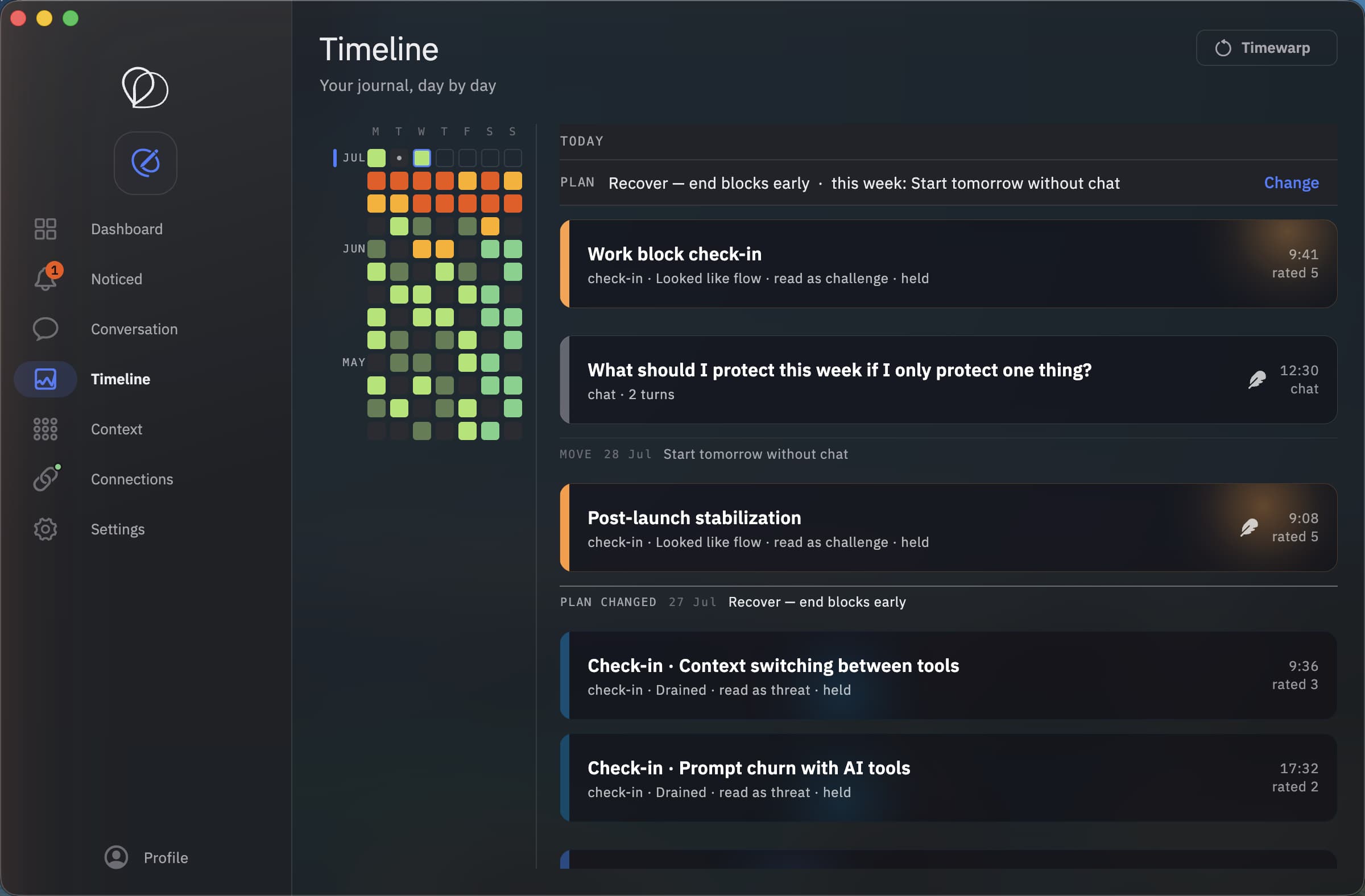
See it. Change it. Measure what worked.
A pattern you can’t act on is just trivia. The weekly loop is how you act on it, one change at a time. It’s free.
Step 1
Read back
Each week Flow puts how the work ran next to how you said it landed. Side by side. No score.
Step 2
Choose one change
Pick one thing to try, like ending long blocks earlier or starting the day without chat, and the measure it should move.
Step 3
See what happened
It comes back on a set day. Flow shows you what the record did. What you thought of it is kept separately, because the two don't always agree.
One word for your week.
Every Monday, Flow names the figure that ran above your own usual on the most days, and draws it from your count. No score, no grade. Keep the word, pick another, or let it go.
The week in flight · 7 Sep to 13 Sep
Holding
Sessions waited on you for more of the day than your usual on 4 of 5 days.
Holding
13h 20
31% of in flight
Vectoring
612
46 prompts per holding hour
Dispatch
7
sessions, on 4 days
Traffic
7
in flight, Thursday
Private by design
Counts, not content.
Flow reads your AI tools’ local history and live activity on your Mac. What it sends is counts, timings and tool events, never your prompts, code or model outputs. Your journal and reflections stay on your Mac unless you turn on sync.
If your employer runs an Ascenda Report or Study, joining is your call. It’s one question, and you can leave whenever you like. They see aggregates of ten or more people. Never you.
Read exactly what Flow reads and sends →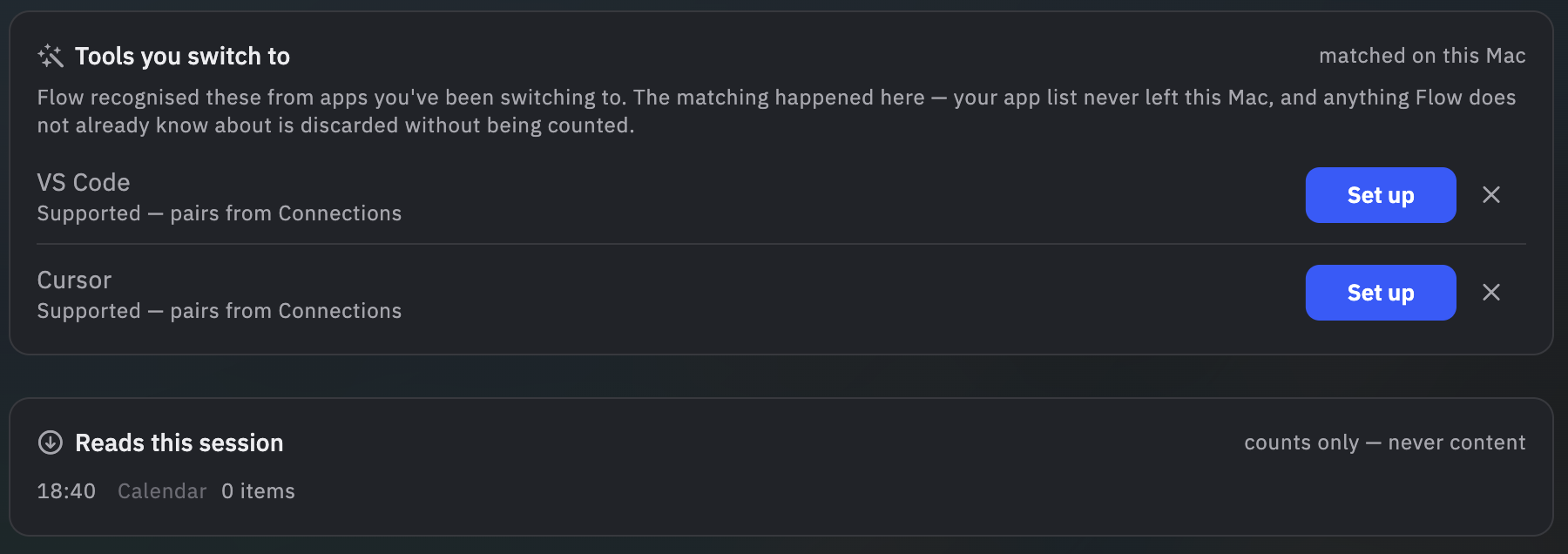
Run it for a few weeks and see what it shows you.
Connect your AI tools, import your history, and look at your own record. If it shows you nothing you didn’t already know, that’s a real answer too.